
Open a file
One file from the explorer, in a sheet over the thread. Text is numbered and coloured, images are shown, anything else is named with its size. A text file can be edited from here.
Why you would use it
The agent says it edited a file and you want to see the file, not its description of it. Opening it here keeps you in the thread, on the phone, with the same colouring the transcript uses.
How to use it
Open the explorer and tap a file row, or tap a result from the filter. The viewer sheet (
#viewer) slides up.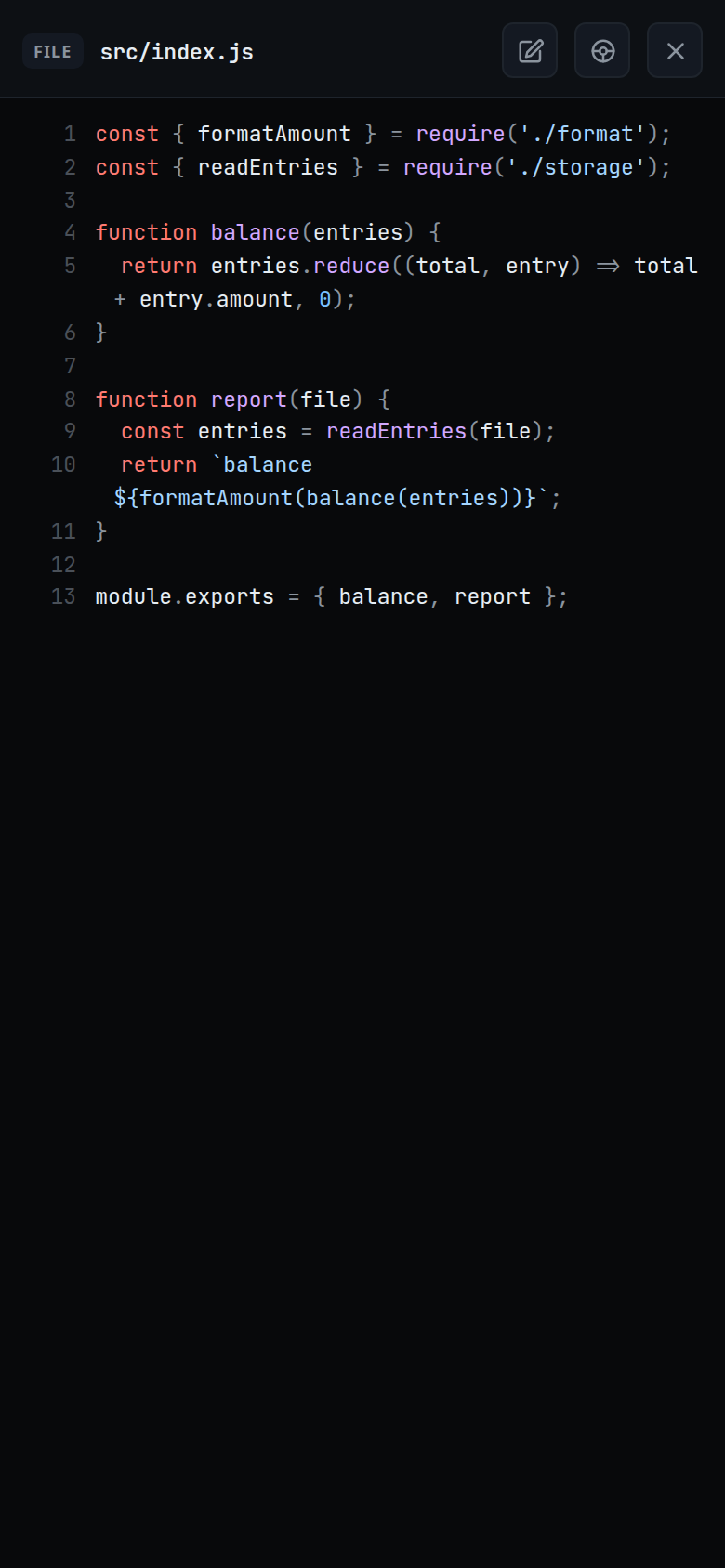
Scroll the file. Its path is in the head (
#viewer-path).Tap the close button (
#viewer-close) or press back to shut it. Back closes the viewer before the explorer, and the explorer before leaving the app.
What you see
Text: every line numbered from 1, with syntax colour picked from the file extension. The whole file is coloured in one pass, so a block comment or a template literal spanning lines keeps its colour. A trailing newline does not add an extra numbered line.
Image (
.png,.jpg,.jpeg,.gif,.webp,.svg): shown inline, its bytes fetched from a separate route.
Anything else: one line,
binary · <size>ortoo large · <size>.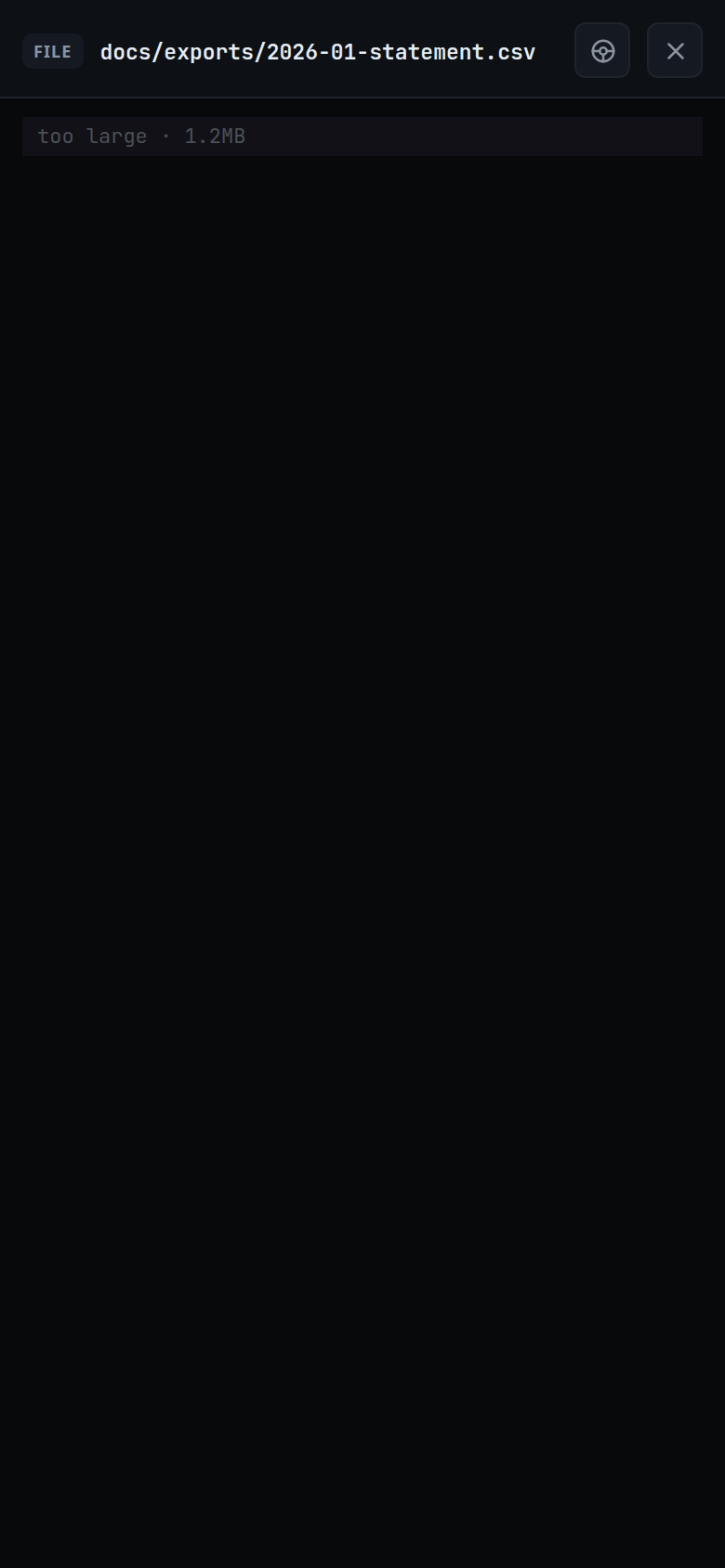
While the file is being read the body shows
reading….A file that cannot be read closes the viewer and shows the error as a toast.
Two more buttons sit in the head: the diff toggle (
#viewer-diff) and the insert-path button (#viewer-insert). Both are there for every file, including an image and a file too large to show.A text file also has the Edit button (
#viewer-edit). See edit-a-file.While the viewer is open it reads the file again every three seconds. When the agent changes it, the new text shows in place, and the scroll stays where it was.
Limits and known gaps
- The viewer opens every file in read mode. Editing is behind Edit; see edit-a-file. There is no download of a text file.
- Files over 1 MiB come back as
too largewith no text, whatever they hold. - A file is text when it has no NUL byte in its first 8192 bytes and the whole of
it decodes as UTF-8. Anything else is
binary. - An image over 1 MiB is refused by the bytes route: "that image is too large to preview".
- Only image files are served as raw bytes. A request for any other file on that route answers "that file is not an image".
- Switching threads, or changing a thread's folder, closes the viewer.
- A read still in flight for a file you have moved on from is dropped, even when the new path reads the same as the old one.
Related
- file-explorer — where files are opened from
- viewer-diff-marks — the change marks on the lines
- edit-a-file — change the file and save it
- insert-a-path — put the open file's path in your message
- comment-on-a-line — tap a line to write about it
- formatted-answers — the same colouring in the transcript
- open-an-attachment — the other way an image opens in the app