
See what changed in a file
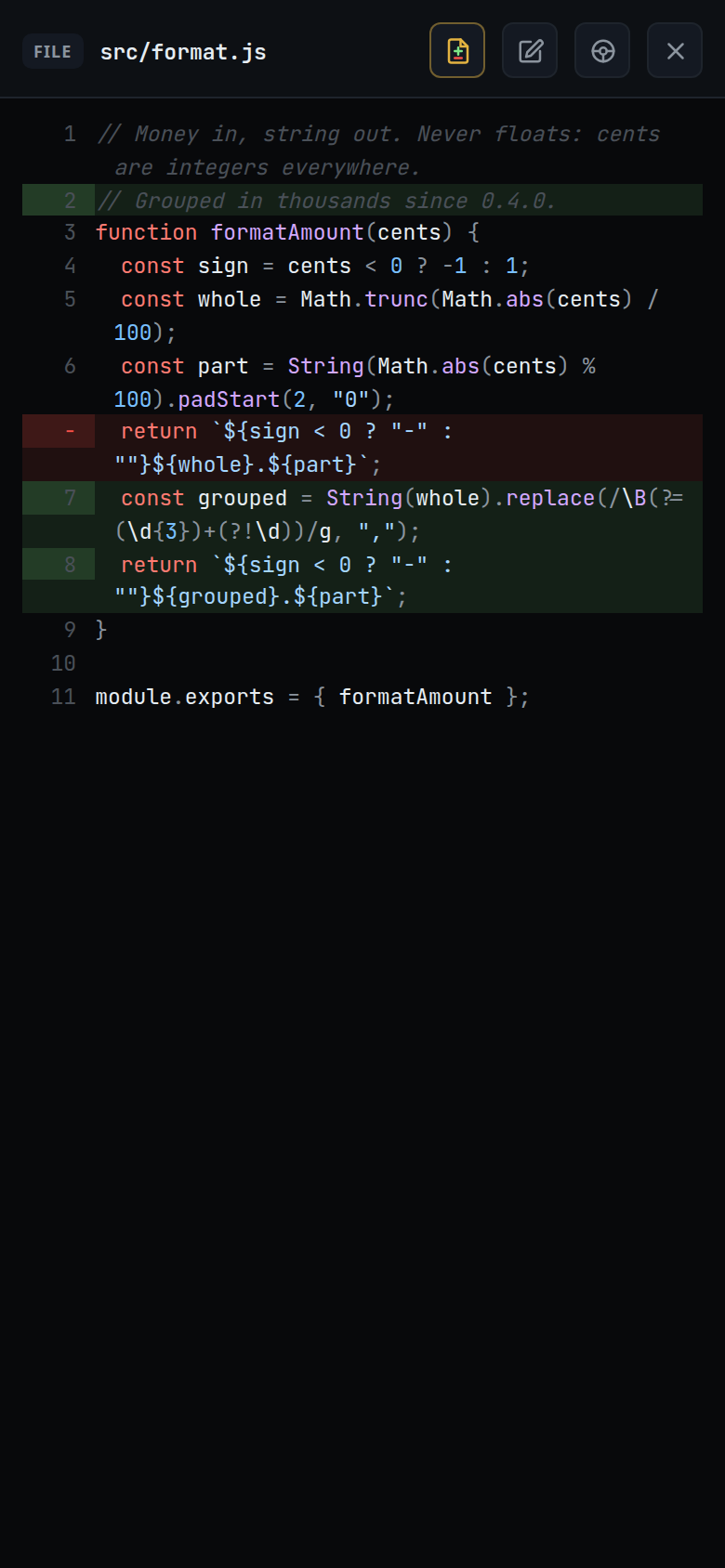
The open file is marked with what has changed since the last commit: new lines are highlighted, and lines that were taken out stand where they used to be.
Why you would use it
The agent has edited a file and you want to read the result in context, not as a patch. The marks show the change against the file as it is now, so the lines around it are the real ones.
How to use it
Open a file from the explorer.
The marks are already on, if the file has changed.
Tap the diff button in the viewer head (
#viewer-diff, "Show changes since the last commit") to turn the marks off, and again to turn them back on.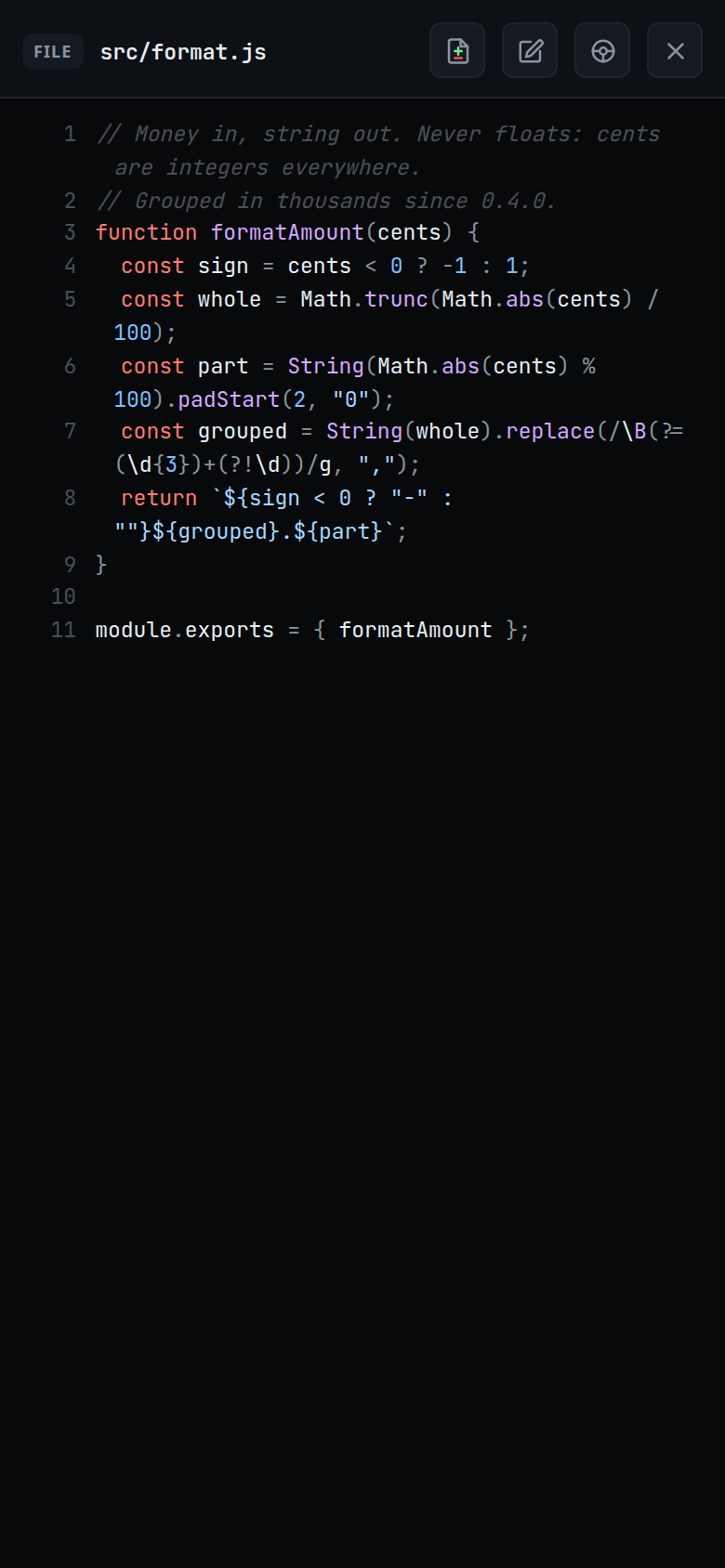
What you see
- Added lines are highlighted on the line itself.
- Removed lines are inserted above the line they were taken out from, with
−in the number column instead of a number. Lines removed past the end of the file stand after the last line. - Removed lines are coloured as code in the file's language, lexed as their own run.
- An untracked file is marked new on every line.
- With the marks off, the file reads as plain text; the button's pressed state
(
aria-pressed) follows.
Options and settings
| Option | Default | What it changes |
|---|---|---|
#viewer-diff |
on | Marks on or off. Kept for the session and applied to the next file you open, not stored |
Limits and known gaps
- The comparison is with the last commit (
HEAD), including staged and unstaged edits. It is not "what this turn changed" — for that, see turn-changes. - In a repository with no commit yet, everything counts as added.
- Outside a git repository there are no marks at all.
- A removed line cannot be commented on: it is not a line of the file as it is now, so tapping it does nothing.
- The added lines are not sent over the wire — the viewer already holds the file as it is now and only needs to know which of its lines are new.
- The diff button shows on every file, even one with nothing changed in it.
fillViewer()setshiddenon it, but.icon-btninpublic/styles.csscarriesdisplay: inline-flex, which wins over thehiddenattribute. On a file with no marks, tapping it changes nothing on screen.
Related
- file-viewer — the sheet the marks are drawn in
- explorer-change-counts — the same data per file and folder
- turn-changes — what one turn changed, from the log instead of git
- comment-on-a-line — writing about a line you are reading
- thread-working-folder — which checkout the marks come from