
See the files a turn changed
Every turn that edited files gets a summary: a count in the status bar for the latest turn, a footer under each turn's last reply, and a popup listing the files with their line counts.
Why you would use it
The agent has answered and you want the damage report before you read the prose: how many files, how many lines, which ones. From there, one tap gets you into the diff of any of them.
How to use it
Look at the right end of the status bar: a file icon, a number of files, and
+<added> −<removed>for the latest turn.
Or look under the last reply of any turn that changed files: the same summary as a footer button.
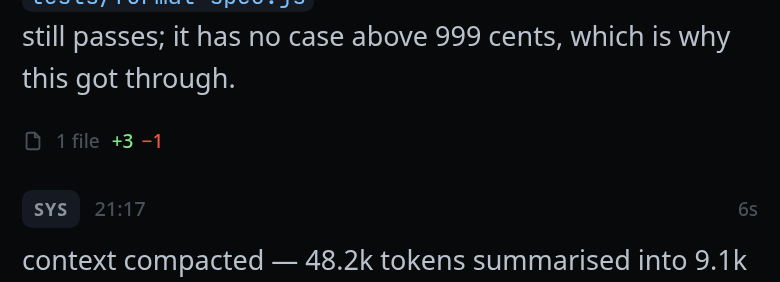
Tap either one. The files popup (
#changes) opens.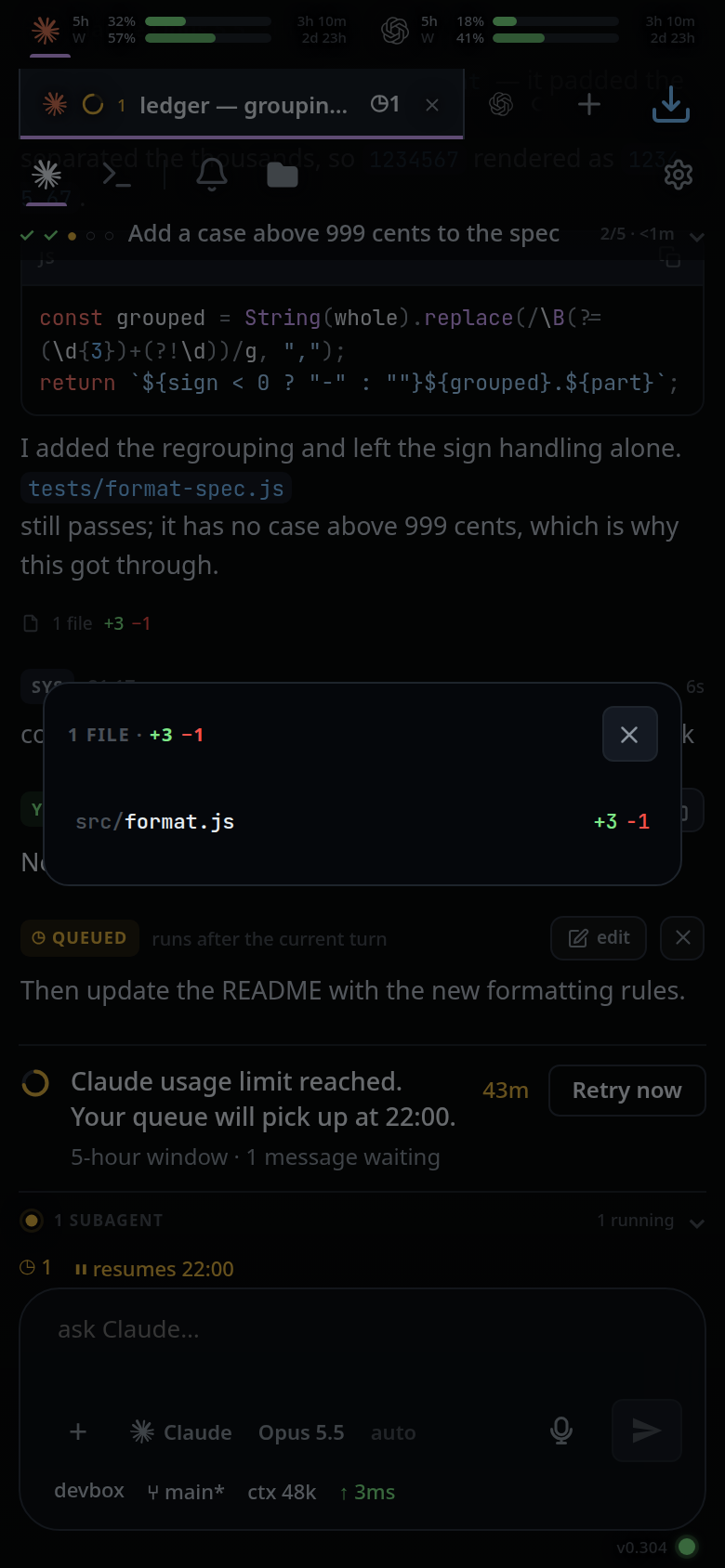
Tap a file row to open every edit that turn made to it in the review sheet.
Close the popup with
#changes-close, by tapping the scrim, or with back.
What you see
- The popup title reads
<n> FILEor<n> FILES, then the totals+<added> −<removed>. - One row per file, in the order the files were first touched, showing the path relative to the thread's folder and that file's own counts.
- A file whose every edit you have accepted carries a green tick. When every file in the summary is ticked, the status segment and the reply footer carry the tick too.
- Added lines read green, removed lines red, everywhere the counts appear.
Limits and known gaps
- The summary is built from the diffs the agent reported in the log, not from git. An edit made outside the agent — by you in a terminal — is not in it. For that, see explorer-change-counts.
- A diff the agent proposed but did not apply is not counted.
- The status bar shows the latest turn only. Older turns are reachable through their own footers in the transcript. A turn that started after the last edit — the one waiting on a usage limit, for instance — clears the segment, and only the footers are left. A turn claude started for itself counts as a turn here too, so a background agent reporting back empties the segment until that turn edits something (activity-line).
- The footer hangs off the last reply of a turn. A turn that changed files but produced no assistant reply has no footer.
- The tick is remembered on this device only (
localStorage,v-code-accepted, the last 500 item ids). An edit made after you accepted has a new id, so the file loses its tick.
Related
- diff-review-sheet — what a file row opens
- explorer-change-counts — the same question asked of git
- status-bar — the bar the segment sits in
- read-the-transcript — where the footers hang