
Review a diff and accept or revert it
One file's diff, full height, with every edit the turn made to it. Accept marks it done; Revert asks the agent to undo it and say what it will do differently.
Why you would use it
A turn changed one file in four places and the transcript shows them as separate cards. This is where you read the whole change in one place and decide whether it stands, without leaving the thread.
How to use it
Open it from a file row in the files popup, or from the diff button on a diff card in the transcript ("Review the full diff").
Read the patch. Several edits to the same file are stacked, each under
— edit <n> of <m> —.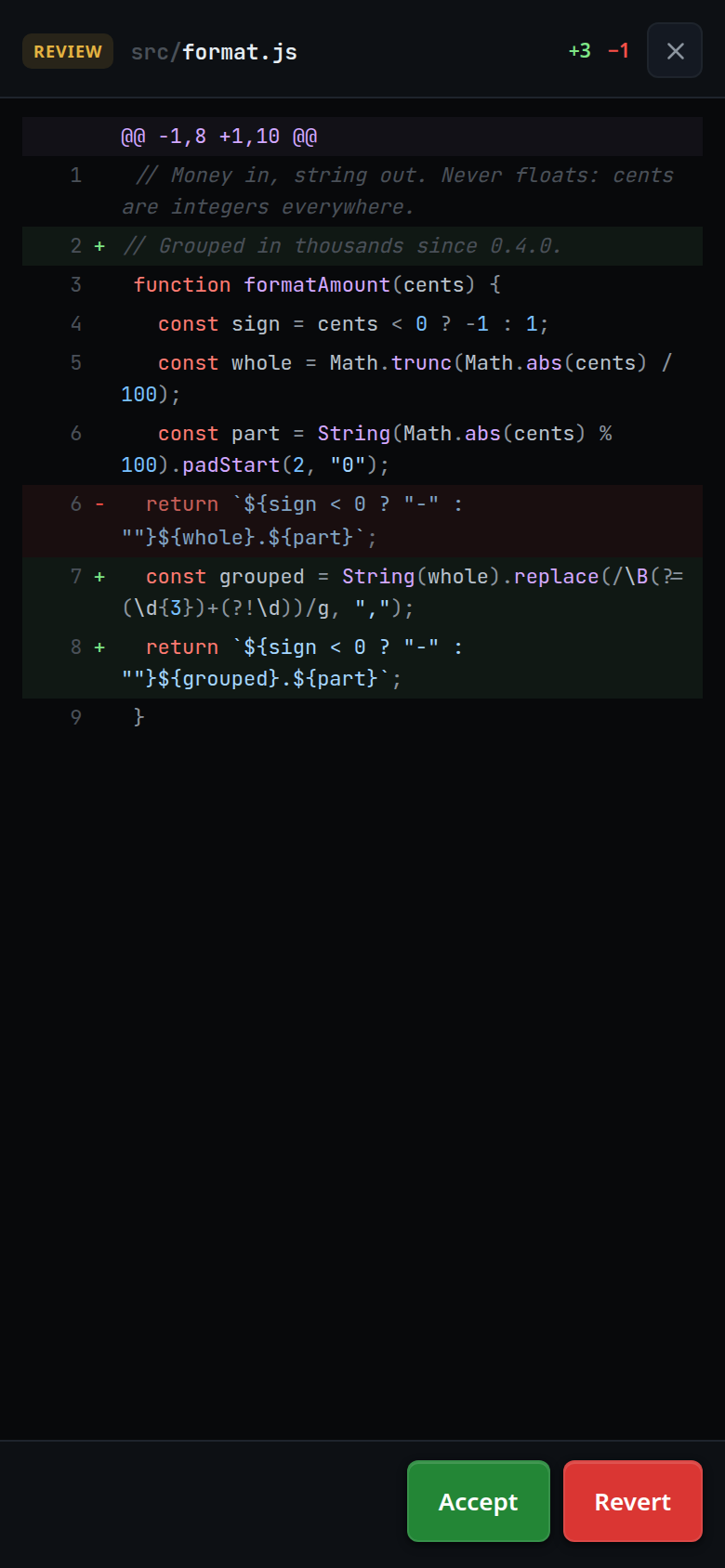
Tap Accept (
#review-ok) to mark the edits accepted and close the sheet.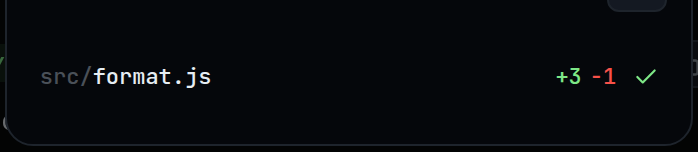
Tap Revert (
#review-revert) to close the sheet and queue a message asking the agent to undo it.Tap
#review-close, or press back, to leave without doing either.
What you see
- The head shows the file path, then
+<added>in green and−<removed>in red, summed over every edit shown (#review-path,#review-plus,#review-minus). - The body is the patch, numbered and coloured for the file's language, added lines green and removed red.
- Accept (green) sits left of Revert (red): carrying on is the common answer.
- Accept puts a green tick on that file in the files popup, and on the status segment and reply footer once every file in the turn is ticked.
- Revert shows the toast
revert requestedand the queued message appears in the transcript.
The message Revert sends:
Revert your change to <path> — it is wrong. Explain what you will do differently
before editing again.
Limits and known gaps
- Revert is not a git operation. Nothing on disk is touched by the app. It is a queued instruction to the agent, which owns the file; the agent decides what actually happens.
- Revert names the first file of the selection only.
- Accept is a mark on this device, in
localStorageunderv-code-accepted, holding the last 500 accepted item ids. It changes nothing on disk and nothing the agent can see. Clear the browser's storage and the ticks go. - An edit made after you accepted has a new item id, so the file loses its tick.
- The sheet closes itself if the items it was showing are no longer in the view —
after a
/clear, for instance.
Related
- turn-changes — how you get here
- review-a-file — commenting on lines instead of accepting a patch
- read-the-transcript — the diff card the other entrance sits on
- manage-queued-messages — the message Revert leaves behind