
Open or download an attachment
Files you sent with a message stay on the message. Tapping one opens it: an image full size inside the app, anything else as a download.
Why you would use it
You photographed a screen three days ago and want to look at it again, or you want the PDF you attached on your laptop instead of your phone. The attachment belongs to the message, so it is where you left it.
How to use it
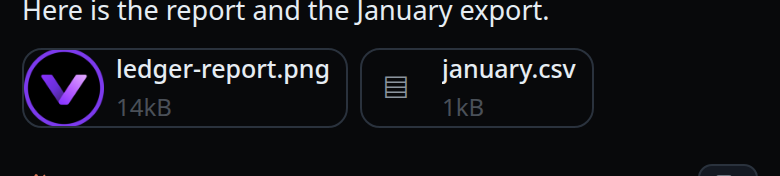
Scroll to the message the file was sent with. Its attachments are chips under the message text.
Tap an image chip. It opens full size in the app; back closes it and leaves you where you were.

Tap any other chip. The browser opens it in a new tab, which for most types is a download.
What you see
- An image chip shows a thumbnail; anything else shows a glyph (
▣for an image,▤otherwise). - Each chip shows the file name and its size.
- A file still on the device, not yet uploaded, says
· on deviceafter the size. - A queued message shows its attachments too, so you can see what is waiting.
Options and settings
| Option | Default | What it changes |
|---|
Limits and known gaps
- An attachment lives beside its thread's log. Deleting the thread takes its attachments with it.
- Only
image/png,image/jpeg,image/gif,image/webp,text/plainandapplication/pdfare shown inline. Everything else — HTML, SVG, JavaScript, anything unknown — is served as an opaque download, so an uploaded file can never run as active content on the app's origin. - The maximum upload is 12 MiB (
VCODE_MAX_ATTACHMENT_BYTES). image/heicis stored and downloadable, but the models reject it, so it is handed to the agent as a path rather than as an image.- There is no download for a file from the explorer. Only attachments and images can be fetched as bytes; the explorer's raw route serves images only.
- An attachment GET accepts the session cookie alone, because an
<img>can carry a cookie but not a header. Anyone who can log in can read any attachment.
Related
- attach-photos-and-files — putting a file on a message
- inline-screenshots — images the agent puts in the transcript
- file-viewer — the other place an image opens in the app
- thread-state-on-disk — where the bytes are kept
- turn-changes — the other thing a message can carry