
Send a message to the agent
You type into the box at the bottom of the screen and send it to the agent running in the open tab. This is the main thing the app does.
Why you would use it
You are away from the machine and want the agent to do something in a folder on it. The tab already knows which agent, which folder and which model, so all that is left is the message.
How to use it
Open or select a tab. Without one the send fails with
start a thread first.Tap the text box (
#draft). The placeholder says what typing does:ask Claude…, with the agent's own name.Type. The box grows as you type, up to 35% of the window height, then scrolls. On a wide screen it opens at one line and stops at six, or at a third of the pane it stands in, whichever comes first.
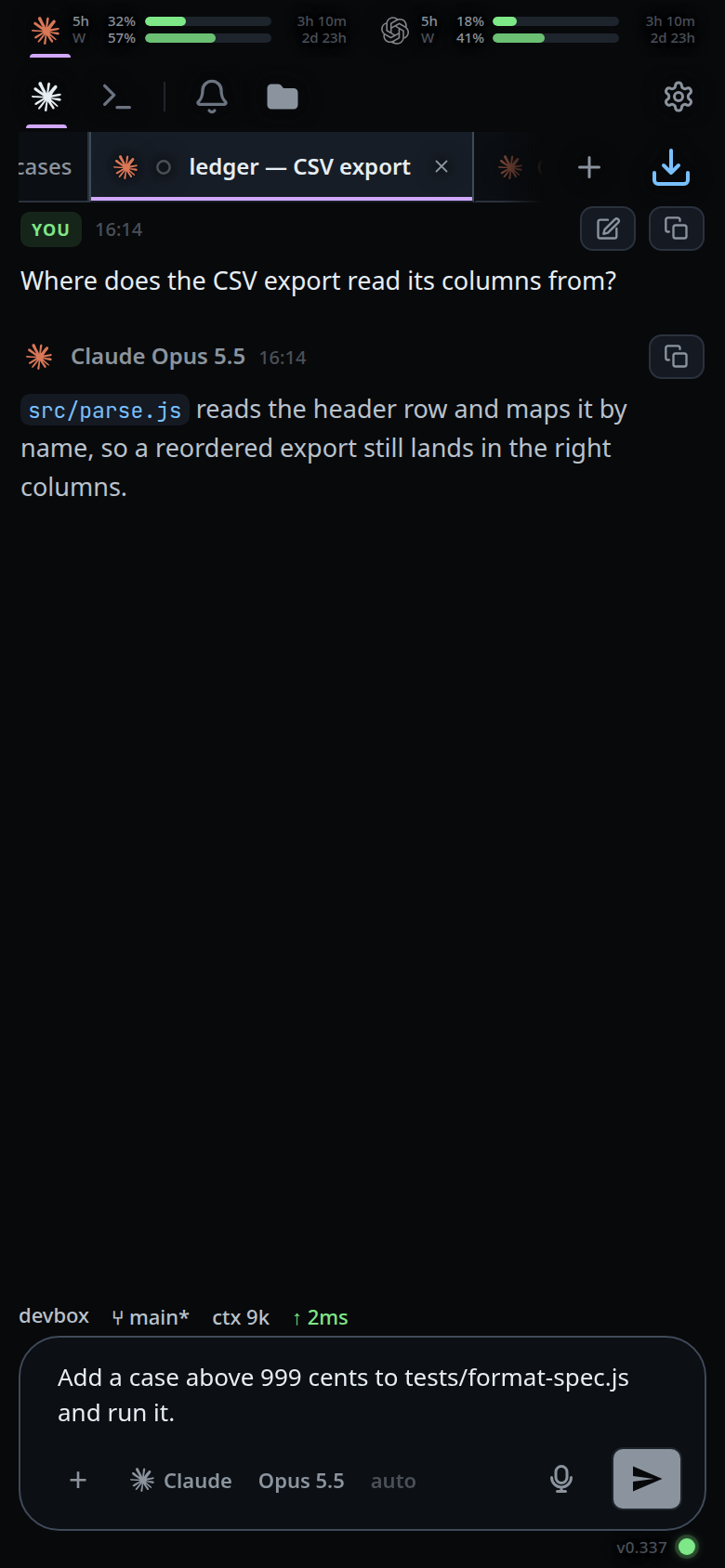
Tap the paper plane (
#send), at the right end of the row under the box. On a hardware keyboard, Enter sends and Shift+Enter makes a new line.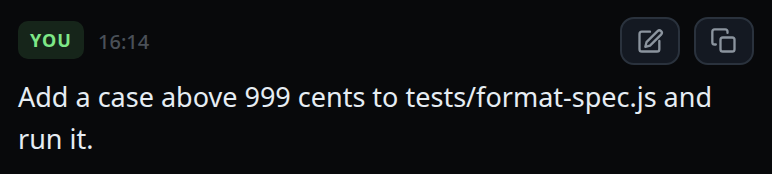
What you see
- The send button is dim until there is something to send — text, or a staged attachment, or both.
- Online, the button is the paper plane. Offline it is
◷instead, and the message goes to the outbox with the toastoffline — queued in outbox. - The message appears in the transcript as your own card. If the agent is idle
the turn starts at once; if it is busy the message shows as
◷ QUEUED · runs after the current turn. - If the send fails and the message was not kept anywhere, the text goes back into the box exactly as you typed it, and the error is shown as a toast.
- With no tab open:
start a thread first. - On a phone, the current shell version sits on its own line below the composer outline, aligned right. A wide screen shows it at the top right instead.
Options and settings
| Option | Default | What it changes |
|---|---|---|
| Enter | sends | Shift+Enter inserts a newline instead |
#draft height |
2 rows on a phone, 1 on a wide screen | grows with the text to 35% of what it stands in — the window on a phone, the pane on a wide screen — and on a wide screen to seven and a half lines at the most |
VCODE_STATE |
~/.v-code/threads |
where the thread log that records the message is written |
Limits and known gaps
- An empty box with no attachment does nothing.
- A message that starts with
/may be a command rather than a message; see slash-menu. - A message that starts with
!runs as a command instead, and its card lands in the transcript; see bang-command. - In Shell mode the same box is a command line for the
tmux pane, not a message to the agent. The placeholder changes to
run a shell command…. - Offline with no room in IndexedDB, the send does not pretend to have worked:
it throws
offline — the message could not be queuedand the text stays in the box (lib/submit-kept.test.js).
Related
- queue-or-steer — what happens when you send while the agent is working
- attach-photos-and-files — sending an image or a file with the message
- drafts-kept-per-tab — the half-written message each tab remembers
- type-to-start-a-message — starting one with a keyboard and no click
- slash-menu — what a message starting with
/does instead - bang-command — what a message starting with
!does instead - queue-a-message-offline — the outbox the send writes to first
- read-the-transcript — the cards a sent message becomes
- start-a-thread — getting the tab a message needs
- clear-the-message-box — Escape twice empties the box