
Each tab keeps its half-written message
Swipe to another tab and back and the text you were typing is still there. So are the files you staged. Every tab has its own.
Why you would use it
You are writing a long instruction, a notification pulls you to another tab, and you come back. Nothing was lost, and nothing you typed for one agent gets sent to another.
How to use it
Type into the box (
#draft) in one tab. Do not send.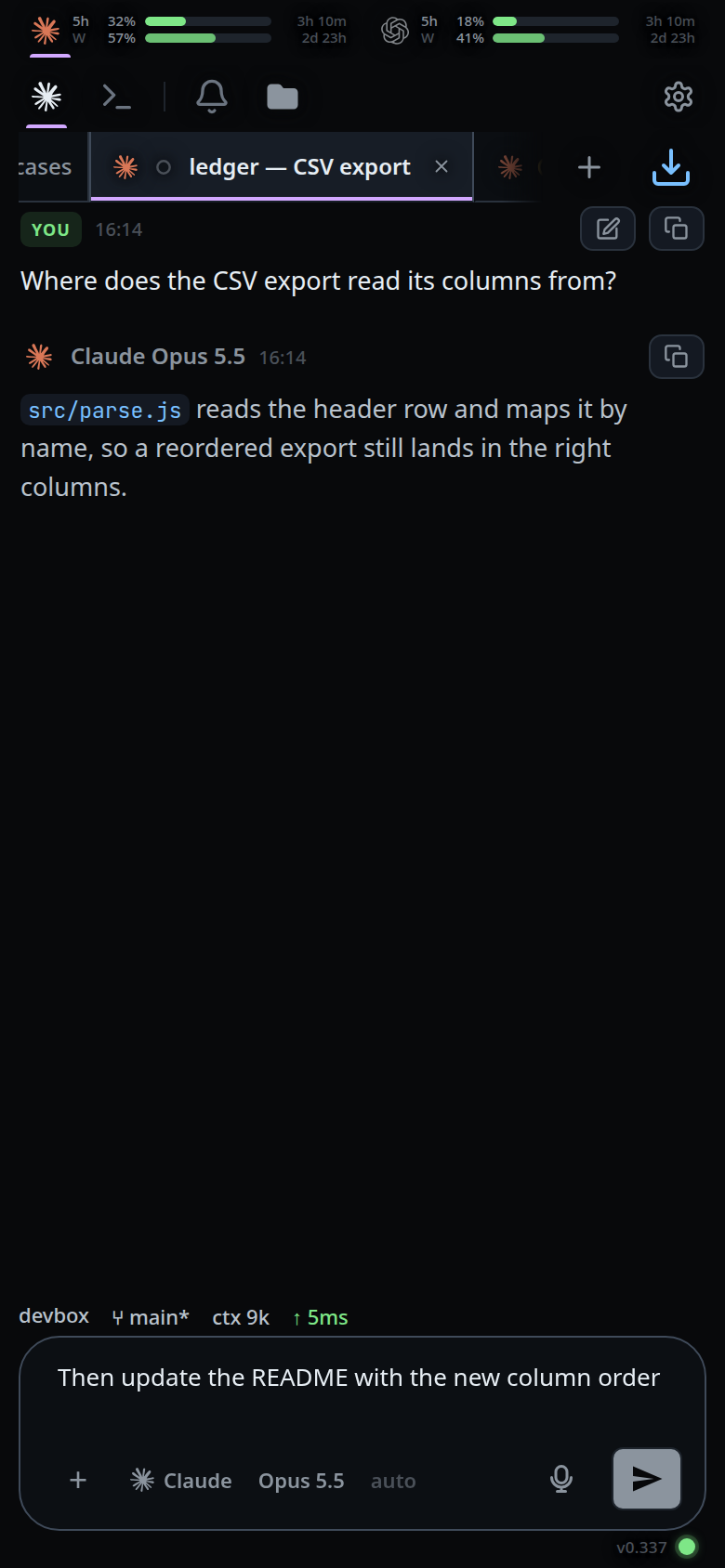
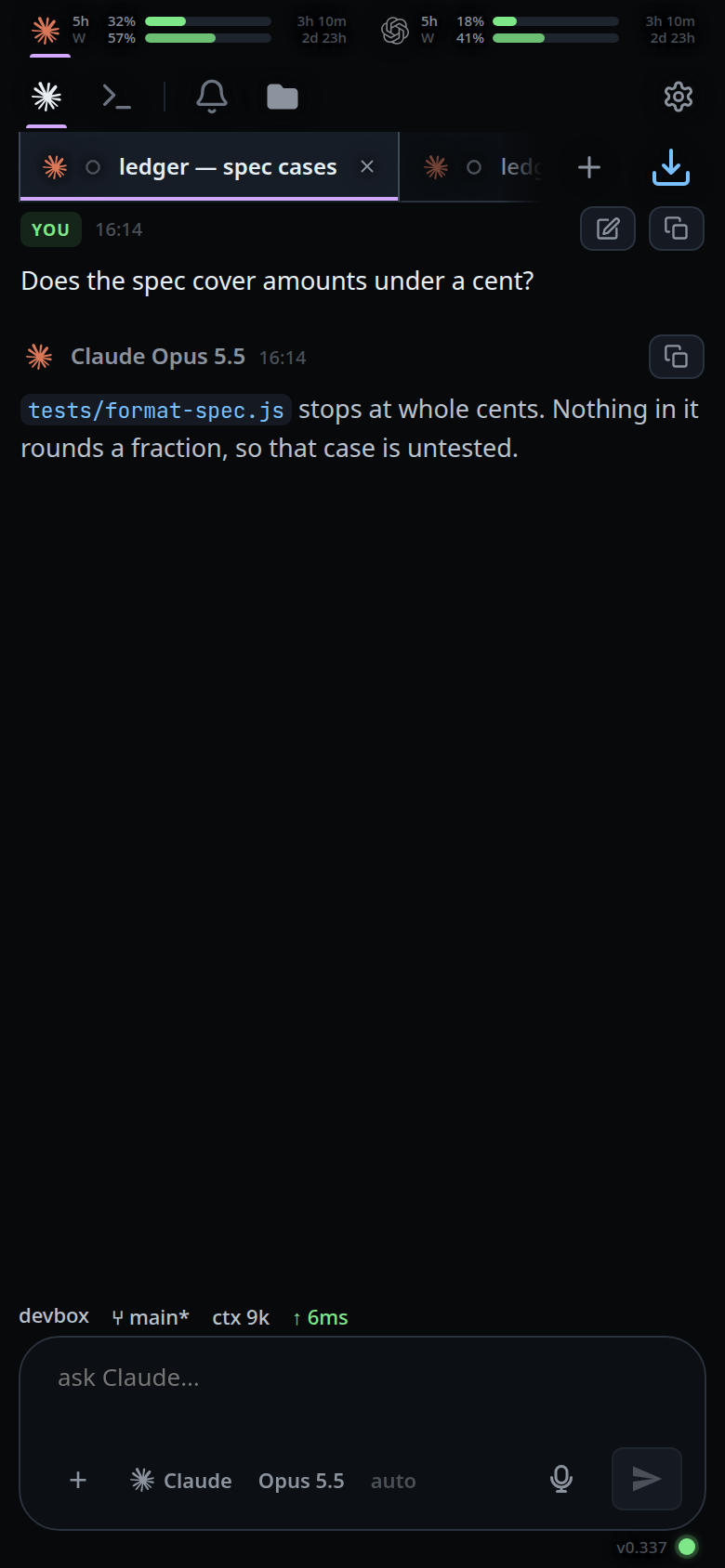
Switch to another tab. The box is that tab's text, or empty.
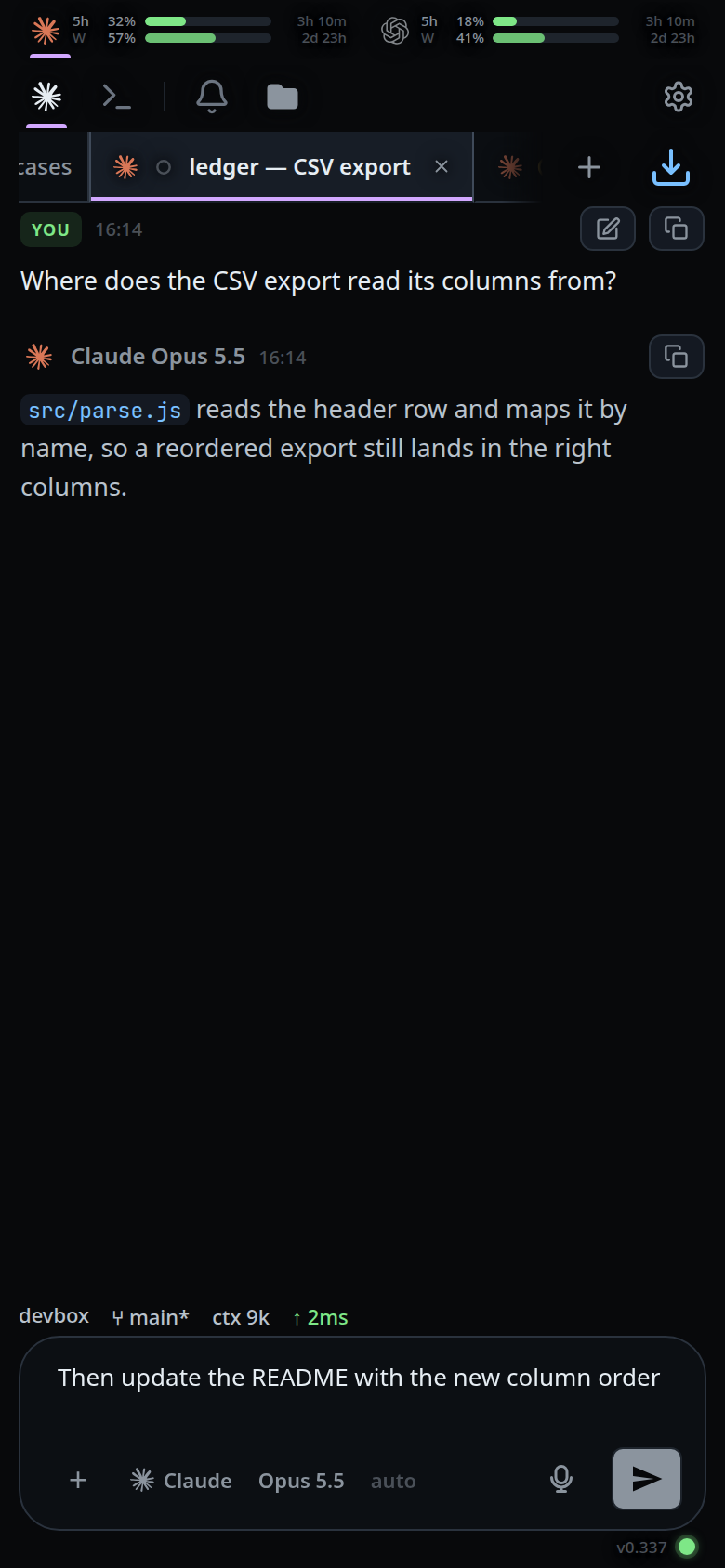
Switch back. Your text is where you left it.
What you see
Nothing announces this. The box shows the text belonging to the tab in front,
and the staged attachment chips above it (#drafts) are that tab's too.
Limits and known gaps
- Closing or deleting a tab drops its text and frees its attachment previews.
- An empty box is not remembered. Clearing a tab's text removes its slot rather than storing an empty one.
- A normal browser refresh loses the text. It survives only the app's own
dev auto-reload, which stashes every tab's text in
sessionStorageunderv-code-reload-stashfirst.VCODE_DEV_RELOADis0in the installed unit, so on a production box a refresh starts with an empty box. - Attachments are staged per tab and a send takes only the attachments of the tab it was sent from.
Related
- send-a-message — the composer itself
- type-to-start-a-message — carries on at the caret the text was left at
- attach-photos-and-files — the staged files each tab keeps
- switch-tabs — the switch that parks and restores the text
- swipe-between-tabs — the same switch by gesture
- close-and-reopen-tabs — what closing a tab does to its text
- clear-the-message-box — how to drop the text a tab is keeping