
Queue a message while offline
Send a message with no connection. It waits in an outbox on the device and goes out by itself the moment the server is reachable again.
Why you would use it
You thought of the next instruction on the train. You do not want to hold it in your head, retype it, or find out later that tapping send threw it away.
How to use it
Type into the composer and send as usual. Nothing about the send changes.
The message appears in the transcript as an outbox row, and the toast reads
offline — queued in outbox.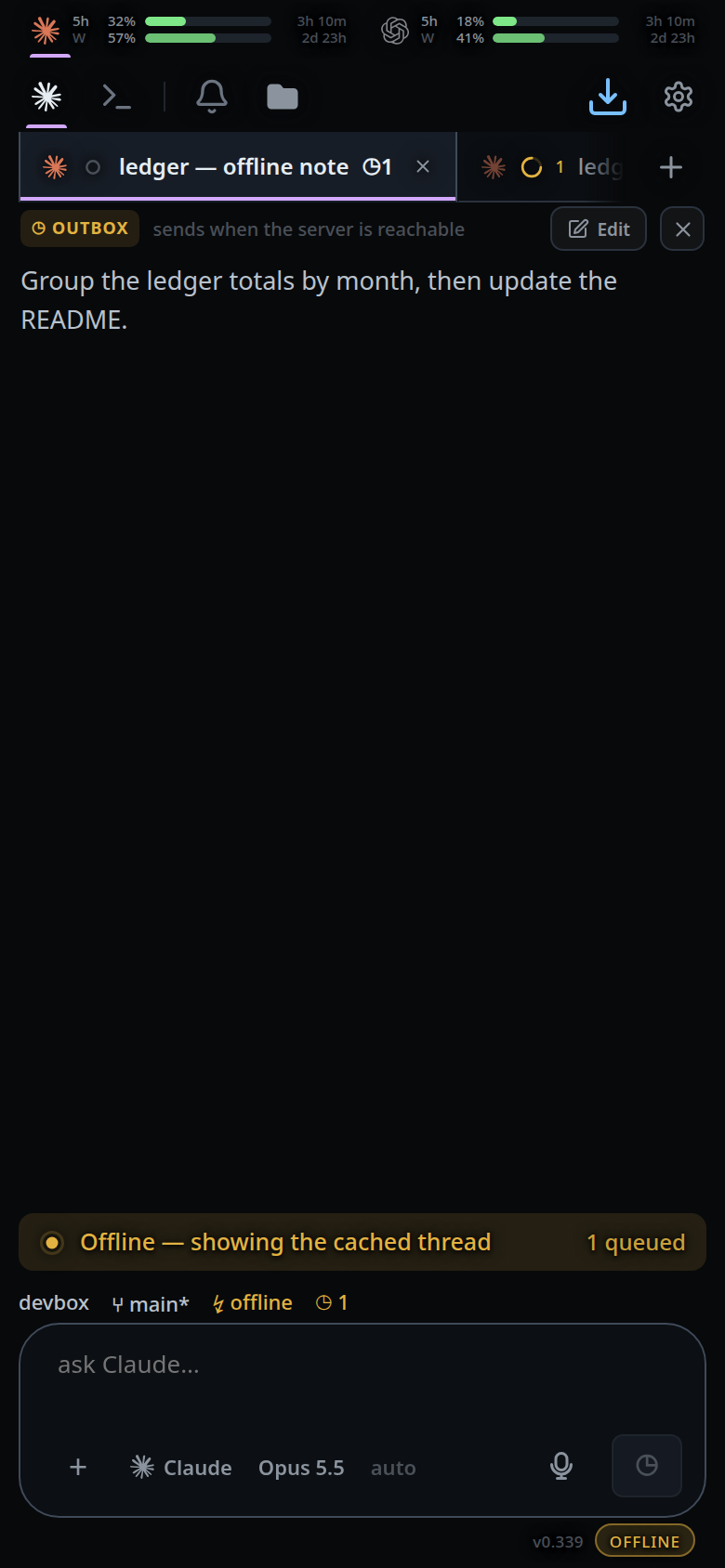
Attach files if you want — the bytes are kept on the device too.
Leave the app or keep working. When the connection returns, the queue drains in order.
What you see
- Sending it raises the toast
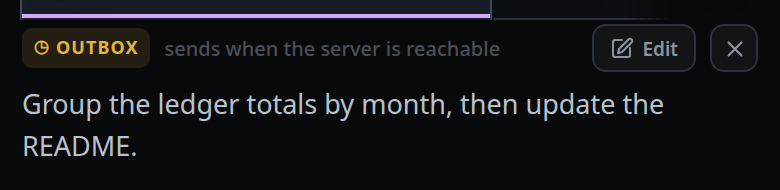
offline — queued in outbox. - The message shows in the transcript as a row tagged
◷ OUTBOX, with the notesends when the server is reachable. A message the server already has is tagged◷ QUEUEDwithruns after the current turninstead. - The row has an Edit button (puts the text back in the composer and drops
the entry) and a close button,
Drop this queued message. Both are covered in manage-queued-messages. - Attachments that have not been uploaded yet show as chips on the row.
- The offline banner's counter (
#offline-queue) reads<n> queued— the open thread's server queue plus its outbox rows. - The tab for another thread shows its own count, so a message typed in a tab you swiped away from is still visible.
- When it goes out, the row changes from
◷ OUTBOXto the server's◷ QUEUED, and then runs. - If the entry could not even be written to the device, the send fails with
offline — the message could not be queuedand the text stays yours.
Limits and known gaps
- Order is preserved per outbox, and a failed send stops the drain — everything behind it stays queued rather than jumping ahead.
- An outbox row cannot be steered into a running turn. There is no submission on the server to promote yet.
- Editing a queued message drops its attachments. Re-attach before sending.
- Attachment bytes sit in IndexedDB until they upload. A very large file waiting offline is a large database row.
- Clearing site data drops the outbox with everything else.
- A tab opened while an older tab of the app still holds the database has no outbox. Offline, a send there fails with "offline — the message could not be queued" until you close the older tab and reload.
Related
- open-the-app-offline
- live-updates-and-reconnect — what counts as "back online"
- manage-queued-messages — editing or dropping a waiting message
- queue-or-steer — the queue on the server side
- send-a-message — the send this rides on
- attach-photos-and-files — the bytes that wait with the text