
Dictate, then switch tabs before the words arrive
The words belong to the tab you were on when you recorded. Swipe to another tab while the clip is being transcribed and they are parked under the tab you left, not dropped into the one in front of you. The mic on every other tab is dimmed and dead while that dictation runs, so a tap there cannot stop it or take it over.
Why you would use it
You dictate a long message, then swipe away to check another agent while it transcribes. Without this the text would appear in whichever composer happened to be in front. This keeps it where you were talking.
How to use it
Record on a tab and stop.
Swipe to another tab while the mic still shows it is working. The mic there is the plain icon, dimmed, labelled
Dictating in another tab, and the × beside it is gone.A toast says
dictated into the tab you left.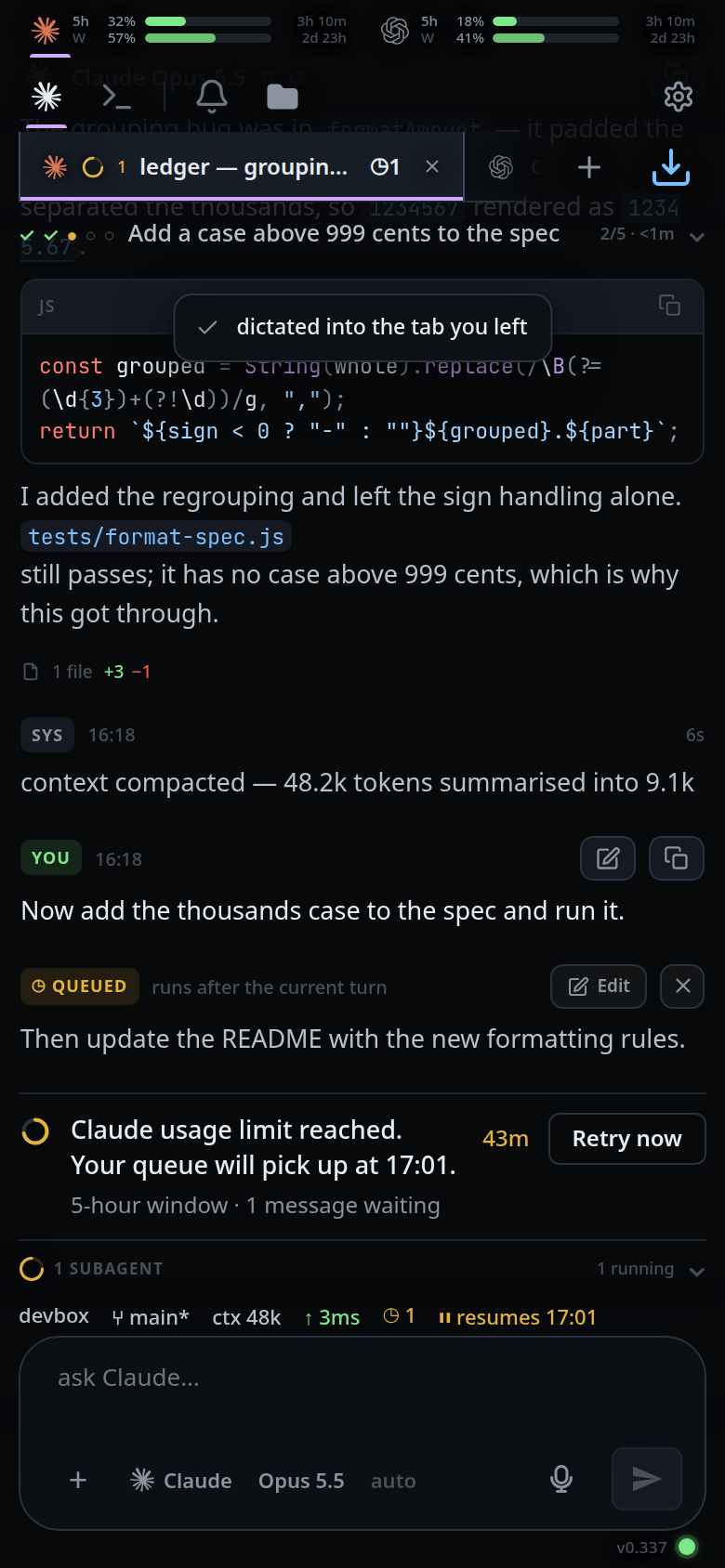
Go back to that tab. The words are in its composer, at the end of whatever draft was there.
What you see
Three outcomes, each with its own toast:
| What happened | Where the words go | Toast |
|---|---|---|
| You stayed on the tab | Its composer, at the cursor | none |
| You swiped to another tab | Parked under the tab that was recording | dictated into the tab you left |
| The recording tab was closed or deleted | The composer in front of you | that tab is gone — dictated here |
| The transcript was empty | Nowhere | heard nothing |
The mic goes back to its own state on every tab as soon as the dictation is done: nothing running, and no clip held for a retry.
Limits and known gaps
- The tab that started the dictation is the only one that can stop it. Go back to it, or leave the recording to the silence stop and the 120-second cap. If that tab is closed, the mic on the tab in front works again: it stops the recording, or retries a held clip, and the words land there.
- While a clip that failed is held for a retry, the other tabs' mics stay dead
too, for up to five minutes. The label still reads
Dictating in another tab. - Parked text is appended to that tab's saved draft with the usual space handling. There is no cursor to aim at in a tab that is not on screen.
- A backgrounded app is not a switched tab: leaving the app stops the recording and transcribes what was said.
- The park is a draft, so it follows the same lifetime as any other per-thread draft.
Related
- dictate-a-message — the recording itself
- retry-a-failed-dictation — a held clip keeps the other tabs' mics dead
- switch-tabs — the tab strip the words are parked under
- swipe-between-tabs — the swipe that leaves the recording tab
- drafts-kept-per-tab — the per-tab draft the park writes into
- close-and-reopen-tabs — a tab that is gone by the time the words arrive