
Hold backspace to delete whole words
Hold backspace in the composer and after two seconds it starts taking a whole word per repeat instead of one character.
Why you would use it
A mistyped path on a phone is thirty presses at one character each. Holding backspace gets you back to the start of the line in a few.
How to use it
Put the caret in the box (
#draft).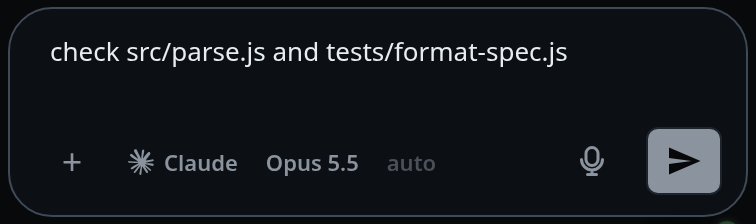
Hold backspace. For the first two seconds it deletes characters as usual.
Keep holding. From then on each repeat takes a word.
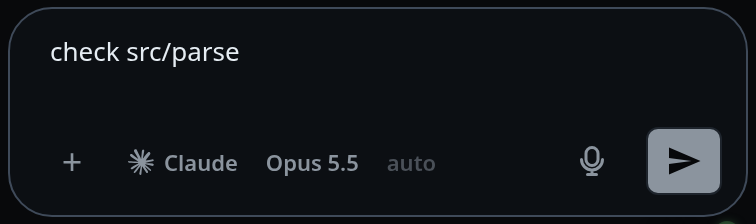
Let go. The next press is a character again.
What you see
Nothing extra — the text just disappears faster. The steps it takes:
- Trailing spaces go with the word before them, so a hold never alternates between a word and a space.
- A newline is a step of its own. The hold stops at the end of the line above rather than joining two lines.
- Punctuation is its own step, so
/home/you/git/ledgercomes off one segment at a time instead of vanishing in one press. - Letters, digits and
_count as word characters.
Options and settings
| Option | Default | What it changes |
|---|---|---|
| hold threshold | 2000 ms | how long the key is down before presses take words |
| repeat gap | 300 ms | longer than this between presses counts as a new tap, and the hold starts over |
Both are constants in public/editing.js (FAST_DELETE_HOLD_MS,
FAST_DELETE_GAP_MS). There is no UI for them.
Limits and known gaps
- Deleting a selection is never a hold; the streak resets.
- At the very start of the text the browser gets the press, so nothing about the hold changes when there is nothing left to take.
- A clock that jumps backwards (suspend, an NTP step) restarts the hold rather than leaving it latched on.
Related
- send-a-message — the box this applies to
- alt-moves-a-word — the same word steps from a hardware keyboard
- type-to-start-a-message — the other keyboard rule in the same file
- drafts-kept-per-tab — the text the box is holding
- dictate-a-message — the other way words get into the box
- insert-a-path — the long paths this is for
- clear-the-message-box — two Escapes take the whole box