
Alt moves and deletes a word
With a hardware keyboard, Alt in the composer does what Ctrl does: Alt and an arrow move the caret a word, Alt+Backspace takes the word behind it and Alt+Delete the word in front.
Why you would use it
It is the chord a terminal has. If your hand writes Alt+Backspace at a Konsole prompt, it writes it here too, and the browser's answer — Alt+Left is the back button, which in the installed app leaves the thread — is not what you meant.
How to use it
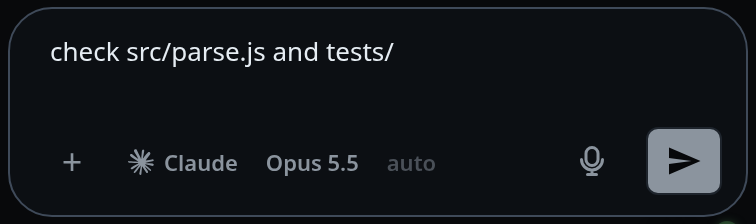
Put the caret in the box (
#draft).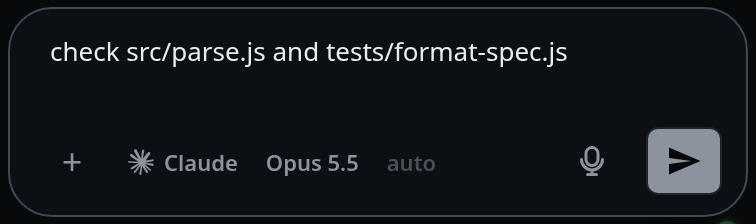
Alt+Left and Alt+Right move a word at a time.
Alt+Backspace takes the word before the caret, Alt+Delete the word after it.
What you see
Nothing extra — the caret jumps, or the text goes. The steps are the ones a held backspace takes:
- Blanks go with the word they touch, so a press never moves over a gap alone.
- A newline is a step of its own: a press crosses the line break and stops there, never taking a word from the next line with it.
- Punctuation is its own step, so
/home/you/git/ledgercrosses one segment at a time. - Letters, digits and
_are word characters.
With text selected, Alt+Backspace and Alt+Delete take the selection and stop.
Limits and known gaps
- macOS is left alone: it gives Alt all four natively, with its own idea of where a word ends.
- Alt with Shift or Super is not this chord. Ctrl+Shift and an arrow selects by word, and Alt+Shift and an arrow moves the focus between panes — see split-panes.
- A press mid-composition belongs to the IME, and nothing here answers it.
- Alt+Up and Alt+Down do nothing. The bare arrows there walk the prompt history.
Related
- hold-backspace-to-delete-words — the same word steps, from a held key on a phone
- walk-the-prompt-history — what the bare arrows do
- send-a-message — the box this applies to
- split-panes — the Alt+Shift chord next to this one