
Page through the transcript
PageUp and PageDown move the conversation a screen at a time, the way they
move any window. You do not have to click the transcript first: the keys work
with the caret still in the composer.
Why you would use it
On a keyboard the caret lives in the composer, so the browser's own page keys never reach the conversation — they just jump the caret inside your draft. These give them back the job they have everywhere else, so you can read back over a long turn without moving your hand to the mouse.
How to use it
Press
PageUpin a thread. The transcript (#thread) moves back one screen and stops following the newest message, so the jump-to-latest pill (#tobottom) appears above the composer.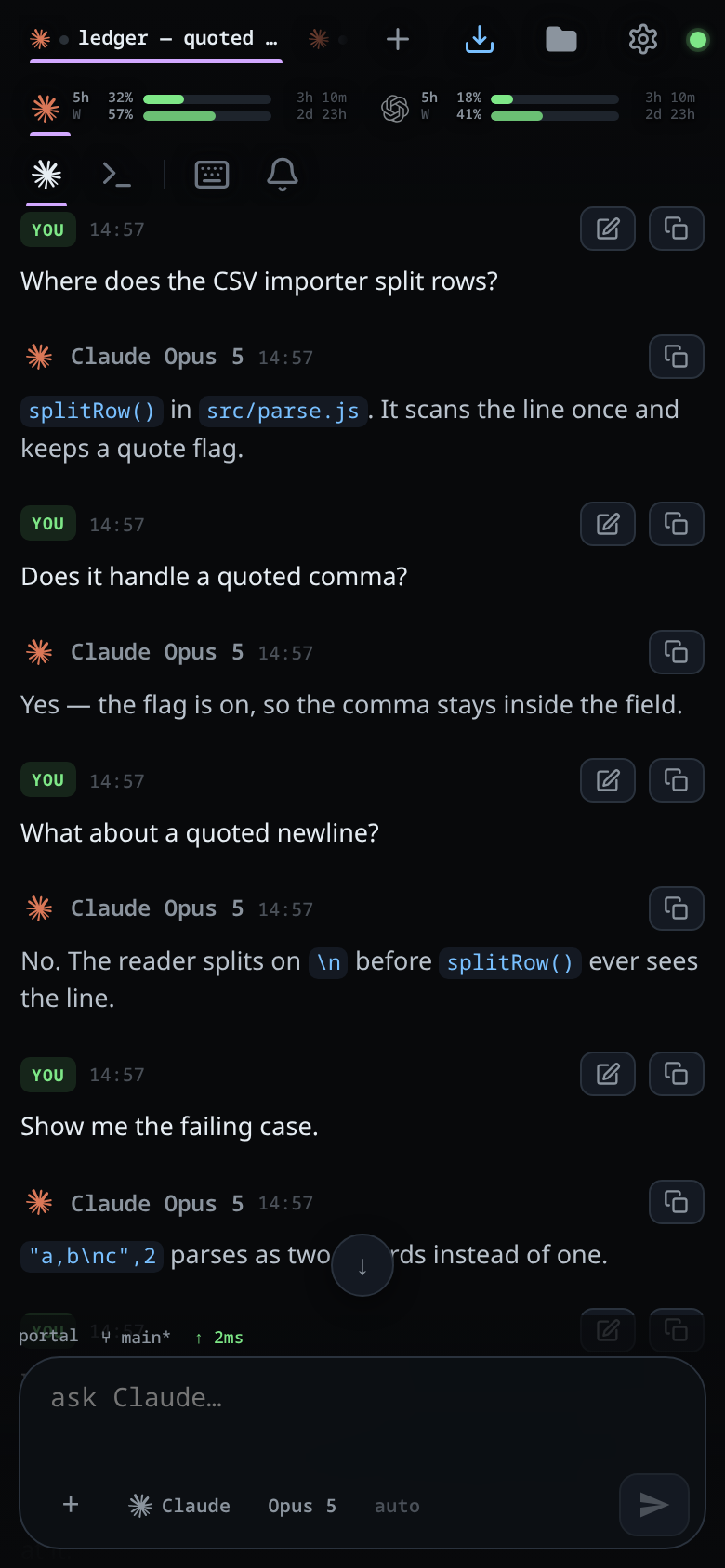
Press
PageDownto come forward a screen, or keep either key held to run through the history.Page down to the bottom, or tap the pill, and the transcript follows new messages again.
What you see
Each press moves the transcript by its own height less 64 px, so the last couple of lines of the screen you were on stay in view at the other edge. On a short pane, where that would leave almost nothing, a press moves half the height instead.
Once you are off the bottom, the pill shows a down arrow and a count of the cards that arrived while you were away — see jump-to-latest.
In split panes the keys move the focused pane's transcript. The other panes stay where they are.
Limits and known gaps
- A modifier means something else.
Ctrl+PageUpandCtrl+PageDownmove through the tabs, andShift+PageUpstays the composer's own select-to-the-top. - Open a sheet, a drawer, a popup, the shell or the new-thread page and the keys belong to what is on top: the transcript underneath does not move.
- With the caret in a field outside the composer — the file filter, a rename box — the keys are that field's.
- Phones and tablets without a keyboard never see these keys. Scrolling is the same feature by thumb.
Related
- read-the-transcript — the cards these keys move past
- jump-to-latest — the pill that appears once you are off the bottom
- split-panes — which transcript the keys move, and the tab keys that share them
- walk-the-prompt-history — the other keys the composer gives up