
Use VCode from app.v-code.dev
Open app.v-code.dev on your phone and log in with your account's email. The app opens VCode on every box linked to the account, through the VCode router: the same tabs, transcript and composer you get on the box itself, with the tabs of every box in one strip. No box asks for a code unless it is set to require pairing (add-a-phone).
Why you would use it
You are away from the box and it has no tunnel or tailnet of its own. The app is served from app.v-code.dev; everything you do in it goes to your box over an encrypted channel the router only forwards.
How to use it
Open app.v-code.dev. The card says "Log in with the email of your v-code.dev account." Type the email in
#rs-emailand tap Send code (#rs-send).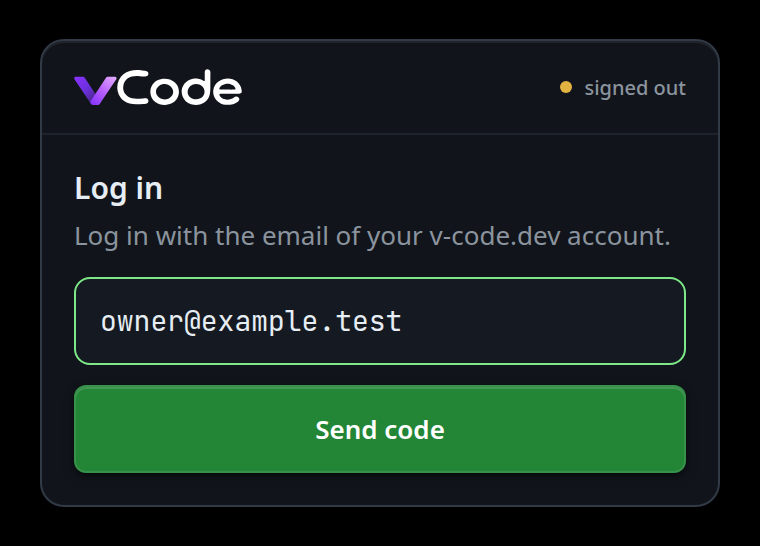
The hint changes to "Type the 8-digit code from the email." The code shows as eight boxes over one field (
#rs-code): typing moves along the boxes, and a paste or the keyboard's code suggestion fills them all. Tap Log in (#rs-verify). Send code moves under it and reads Re-send code.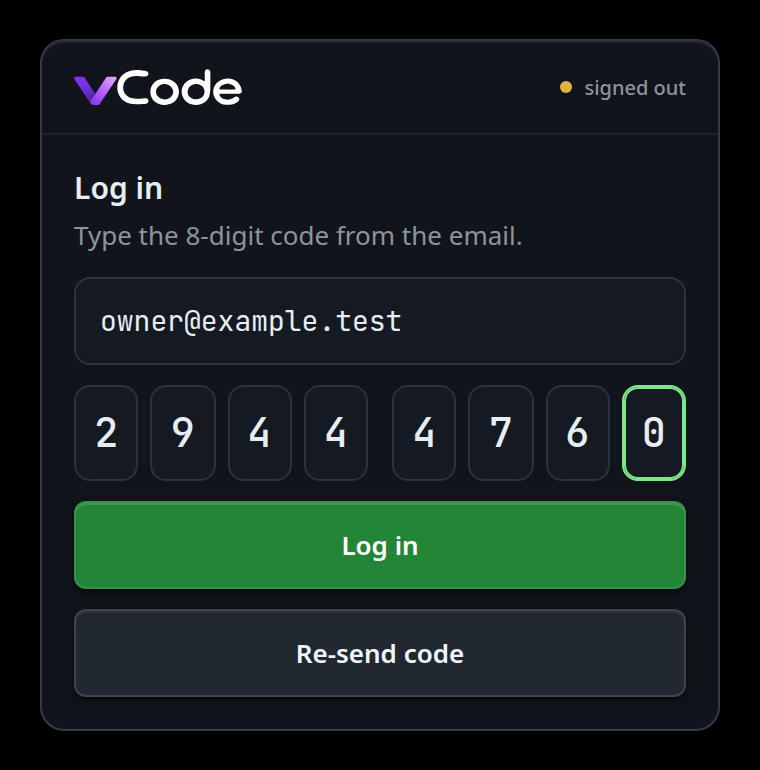
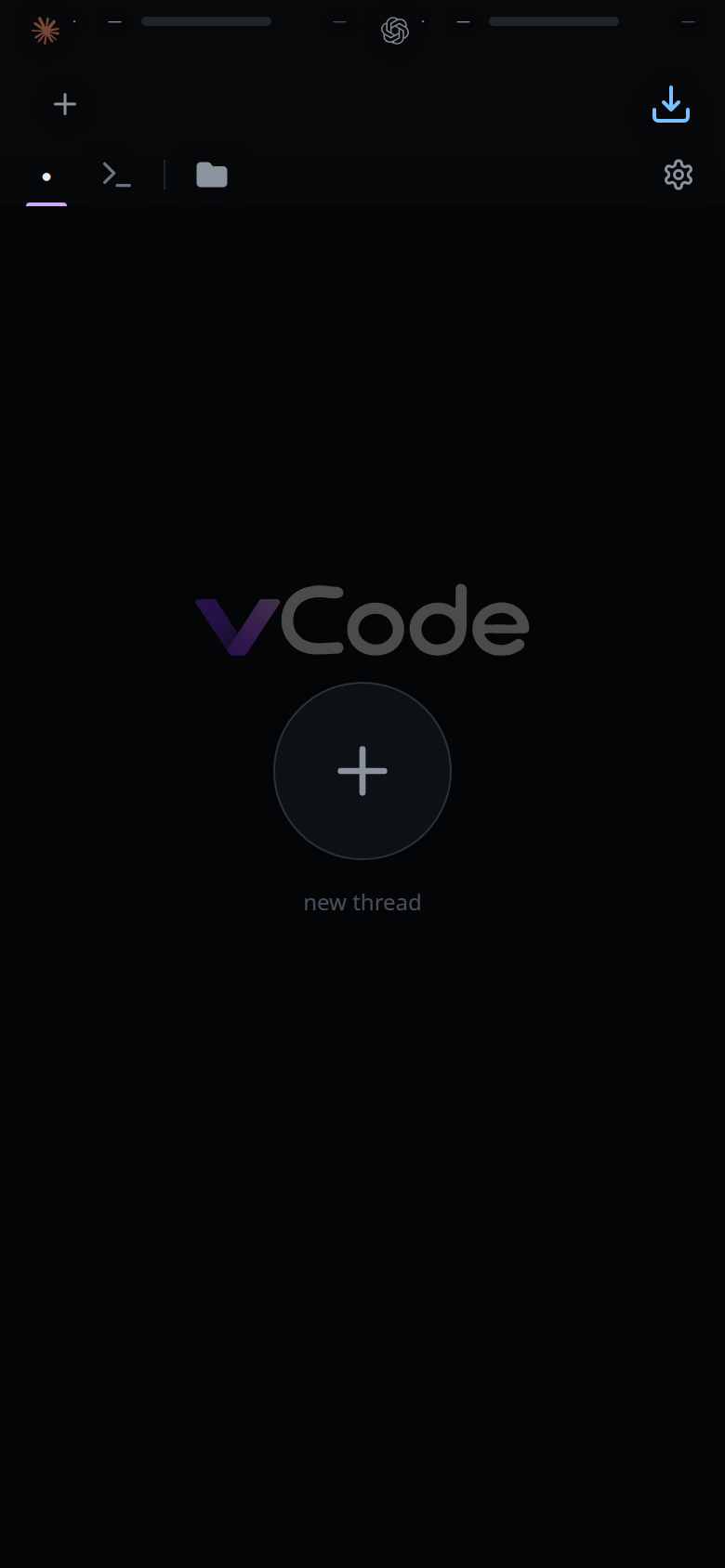
VCode opens with the tabs of every box on the account. The first time the app opens a box it keeps the box's key as the site lists it, and checks the box against it from then on. A box that is off leaves its tabs in the strip marked unavailable (work-on-several-boxes).
With no box on the account yet, the box list shows
No computer is linked to <email> yet.instead. Boxes (#rs-to-boxes) shows the list any time: each row readspairedonce the app has opened that box, andreadybefore.A box set to Require pairing for new devices answers with the pair screen instead: the box name, its fingerprint, "Does the box show this fingerprint?", and
This box asks for pairing. On the box, run v-code box pair and type the code it shows.Compare the fingerprint with the one on the box. Tap No (#rs-pair-no) to go back to the list, or Yes (#rs-pair-yes) to unlock the code field. Type the code in#rs-pair-code(XXXX-XXXX) and tap Pair (#rs-pair-go).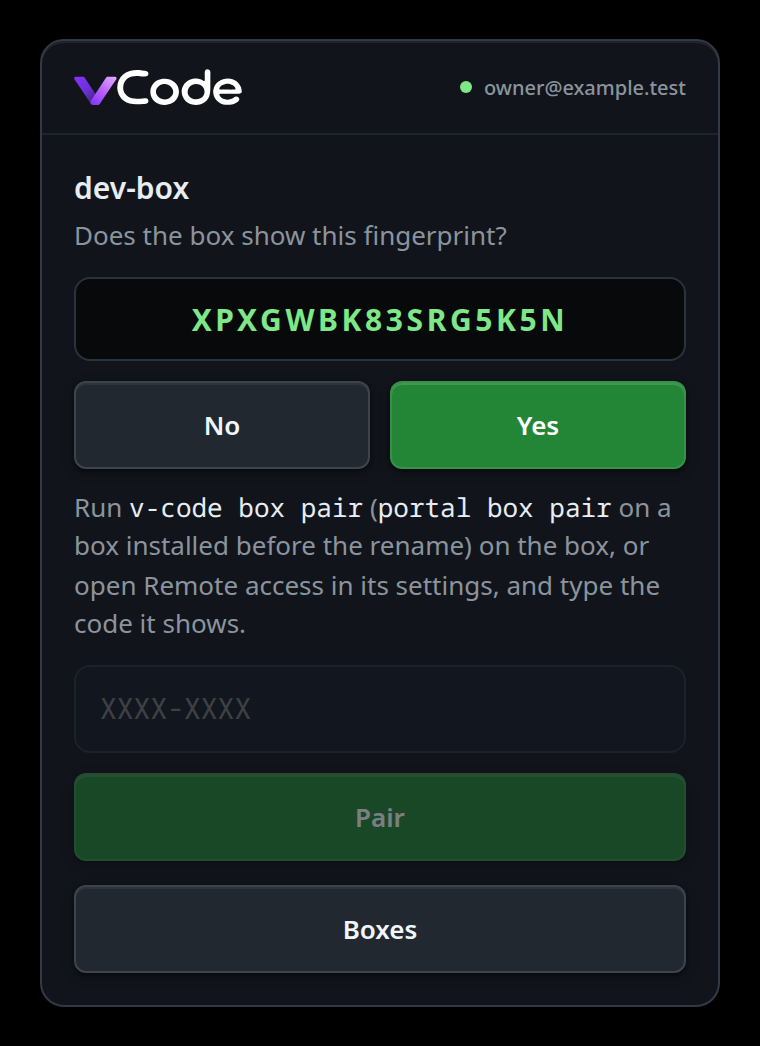
What you see
While logging in and pairing:
- No box on the account:
No computer is linked to <email> yet., with Add a computer (#rs-boxes-add) under it (add-a-computer). - A code that is not 8 digits: "The code is the eight digits from the email."
- A wrong or expired pairing code: "That pairing code is wrong or has expired."
followed by
N tries left.when the box says how many. - The site cannot be reached:
Could not reach <host>. Check the connection and try again. - The box list cannot be loaded because the site is unreachable, busy (429) or
failing (5xx): the error and
Trying again in N s.. The wait starts at 2 s and doubles to 60 s, or follows the site'sRetry-After. Try again (#rs-status-action) asks at once. Any other refusal shows the error with Try again and no timer.
While you pick and pair a box, the app shows one of these screens when it cannot open it. Once VCode runs, a box that is off or refuses this device marks only its own tabs (work-on-several-boxes).
| Screen | Exact text | What you can do |
|---|---|---|
| Offline | "This box is offline." and Trying again in N s.; after a join, Waiting for <name> to start… |
Wait, it retries; or Boxes (#rs-to-boxes). While pairing, the pair screen says "This box is offline." under the code |
| Busy | "The box has no room for another connection. Trying again in a few seconds." | Wait |
| Connecting | "Connecting to the box…" and Trying again in N s. |
Wait. When the site gives no token (unreachable, 429 or 5xx) the wait is the box list's: 2 s doubling to 60 s, or the site's Retry-After. A router or box that stops answering lands here too: after 10 s without an answer to the open (30 s for a pairing), the app drops its connection and tries again |
| Lapsed | "Your subscription has lapsed." | Open your account (#rs-account, v-code.dev/account), or Try again (#rs-lapsed-retry) |
| Box older | "This box runs an older version. It updates itself within the hour." | Try again (#rs-version-retry) |
| App older | "Reload the app to talk to this box." | Reload (#rs-reload) |
| Key changed | "This box's key changed. Pair it again." | Pair again (#rs-status-action): the pair screen says "This box has a new key. Pair only if the box shows this fingerprint." The old key stays pinned until that pairing succeeds |
| Asks for pairing | "This box asks for pairing. On the box, run v-code box pair and type the code it shows." | The box requires pairing for new devices, or removed this device. Type a code from the box on the pair screen. It pairs against the key the app pinned; if the site now lists another key for the box, you get Key changed instead |
| No WebCrypto | "This browser cannot make the keys VCode needs." | Use another browser |
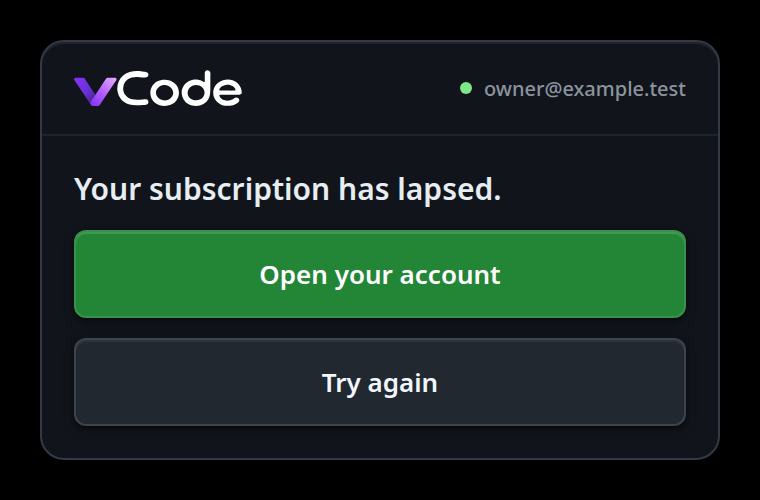
A lapse, or a login the site no longer accepts, covers VCode with its screen. A key change, a removed device or a version refusal from one box after VCode runs marks that box's tabs instead; tap the machine name on the row under the composer's keys in one of its tabs to open that box's screen. That includes a refusal the box gives when the app reopens a thread's live stream.
When a new build of the app is waiting, the sheet shows Update ready — reload
(#rs-update) on whichever screen is up, since the sheet covers the top bar's
update button. Tap it and the app reloads on the new build.
Options and settings
None in the app. The box's side is in link-this-box.
Limits and known gaps
Off in the app, on while you use the box directly:
- Live text dictation. Its files are 86 MB served by the box. The box's own
transcription service still works when the box has one: the mic shows while
the
/healthof the box of the tab in front reportsvoice, and records a waveform clip. - Linking, unlinking or pairing the box. A phone cannot; those run on the box
(
v-code box).
Also:
- Boxes during a pairing does not stop it on the box. If the code was right, the box keeps this device and the app keeps its key, so the list opens that box without another code. The app stays on the list either way.
- The app takes each box's key from the site the first time it opens the box. After that a changed key shows Key changed. Only the pair screen shows a fingerprint to compare.
- A connection sends at most 48 requests at once and holds the rest back in
order, so a transcript with many screenshots loads every image, a few at a
time. Event streams never wait behind them. The box answers
503past 64 open streams.
Related
- link-this-box — link the box first
- add-a-phone — the pairing code and the device list on the box
- add-a-computer — add a computer from the box list with one command
- work-on-several-boxes — tabs from every paired box in one strip
- choose-the-dictation-engine — waveform or live text on the box itself
- turn-on-notifications — push, one switch in the app for every paired box